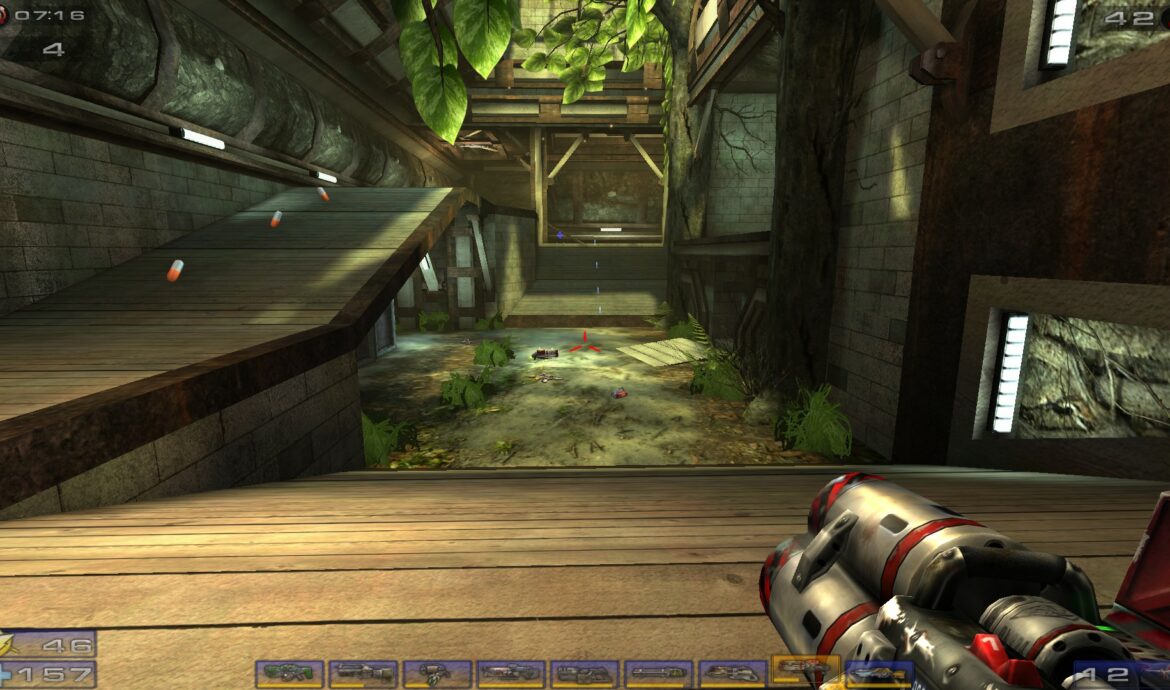
Installing Unreal Tournament 2004 (UT2004) Server on Debian 12
Flash-forward 19 years later, and UT2004 is still one of the best FPS known to mankind. In it’s honor, I provide you with this guide: Installing an Unreal Tournament 2004 (UT2004) Server on Debian 12.
First, we create our new space for our server (cd into whatever directory you want this installed, note that I’m in /root):
mkdir ut-setup; cd ut-setup;Being an older game, we have to add the i386 architecture to dpkg, so let’s do that and update repos:
dpkg --add-architecture i386; apt update;Then, we install all of our dependencies and clean up after ourselves:
apt install curl wget file tar bzip2 gzip unzip bsdmainutils python3 util-linux ca-certificates binutils bc jq tmux lib32stdc++6 libsdl1.2debian lib32gcc-s1 libstdc++5:i386 -y; apt install netcat || apt install netcat-traditional; wget https://retro.unlimitedweb.space/downloads/ut2004/libstdc%2B%2B5_3.3.6-20~lucid1_i386.deb; mkdir libstdc++5; dpkg-deb -R libstdc++5_3.3.6-20~lucid1_i386.deb libstdc++5; rm libstdc++5_3.3.6-20~lucid1_i386.deb; cp libstdc++5 -r /usr/lib; rm -rf libstdc++5;Next, let’s grab the server! Unpacking the files may take a few minutes during which output may appear frozen. It’s going to prompt for a password when adding the new user ut2004:
wget https://retro.unlimitedweb.space/downloads/ut2004/dedicated-server-3339-bonuspack.tar.gz; gzip -d dedicated-server-3339-bonuspack.tar.gz; rm dedicated-server-3339-bonuspack.tar.gz; tar -xvf dedicated-server-3339-bonuspack.tar; rm dedicated-server-3339-bonuspack.tar; sudo adduser ut2004; sudo addgroup ut2004; sudo usermod -aG ut2004 ut2004; We’ll update file permissions:
sudo chown -R ut2004:ut2004 ./*; find . -type d -exec chmod 755 {} \;; find . -type f -exec chmod 644 {} \;; cd ut-server/; chmod 755 System/ucc-bin;
Next, install your CD key (replace with actual CD key):
echo ABCDE-12345-FGHIJ-67890 > /root/ut-setup/ut-server/System/cdkey;
Install the v3369 Linux patch:
wget https://retro.unlimitedweb.space/downloads/ut2004/ut2004-lnxpatch3369-2.tar.bz2; tar -xvf ut2004-lnxpatch3369-2.tar.bz2 -C /tmp; cp -r /tmp/UT2004-Patch/ /root/ut-setup/ut-server/System; rm -rf /tmp/UT2004-Patch/;
Note that I’ve chosen to install in /root/ut-setup, so if you’ve chosen a different directory than be sure sure to update that bit!
Now, it’s time to update your /System/UT2004.ini settings:
cd System; nano UT2004.ini;You can use ctrl+w to search in nano. Update these fields:
ServerName: The name of your server that will appear in the server browser.
ShortName: A shorter name for your server that will appear in the scoreboard.
ServerRegion: The region of your server that will affect the ping calculation. USA is 0.
AdminName: The name of the server administrator.
AdminEmail: The email address of the server administrator.
MessageOfTheDay: The message that will be displayed to players when they join the server.
AdminPassword: The password that will allow you to access the server administration commands.
bEnabled=False This needs to be changed to bEnabled=True
Within the same config file, look for the following lines:
[IpDrv.MasterServerLink] LANPort=11777 LANServerPort=10777 MasterServerList=(Address="ut2004master1.epicgames.com",Port=28902) MasterServerList=(Address="ut2004master2.epicgames.com",Port=28902)These are the old, offline UT2004 servers. Add the following line:
MasterServerList=(Address="utmaster.openspy.net",Port=28902)According to other [newer] guides, you can replace the original UT2004 master servers with this one (or any other live servers), however, from my experience the server fails to move on to the custom server if this master server is missing.
With fingers crossed, run the server! Update the AdminName= and AdminPassword= in the command below before running.
./ucc-bin server ONS-Torlan?game=Onslaught.ONSOnslaughtGame?AdminName=admin?AdminPassword=password123 ini=UT2004.ini log=server.logWith luck, you should see something like:
MasterServerUplink: Connection to utmaster.openspy.net established.
Approval APPROVED
Master server assigned our MatchID: 1234
Congratulations! You should now see your server listed here:
http://beta.openspy.net/en/server-list/ut2004
Tips:
- There are other active communities with online master servers you can advertise to. If you find errors when you advertising to several different ones simultaneously, you may need to limit to 3.
- You can login to your server’s web administration panel at http://your.servers.IP.address:80 . This port can be changed in the UT2004.ini next to ListenPort .
- If you’re not able to connect to your server’s web admin panel, or not able to advertise online, check your firewall settings.
- This may (should?) work on Debian 10, and Ubuntu 20/22 flavors as well, I just have not tested it.
Leave a Reply